Video2Frame
A cross-platform video frame extraction tool supporting iOS/iPadOS/macOS. Extract video images according to set parameters such as time interval, image size, and image format.
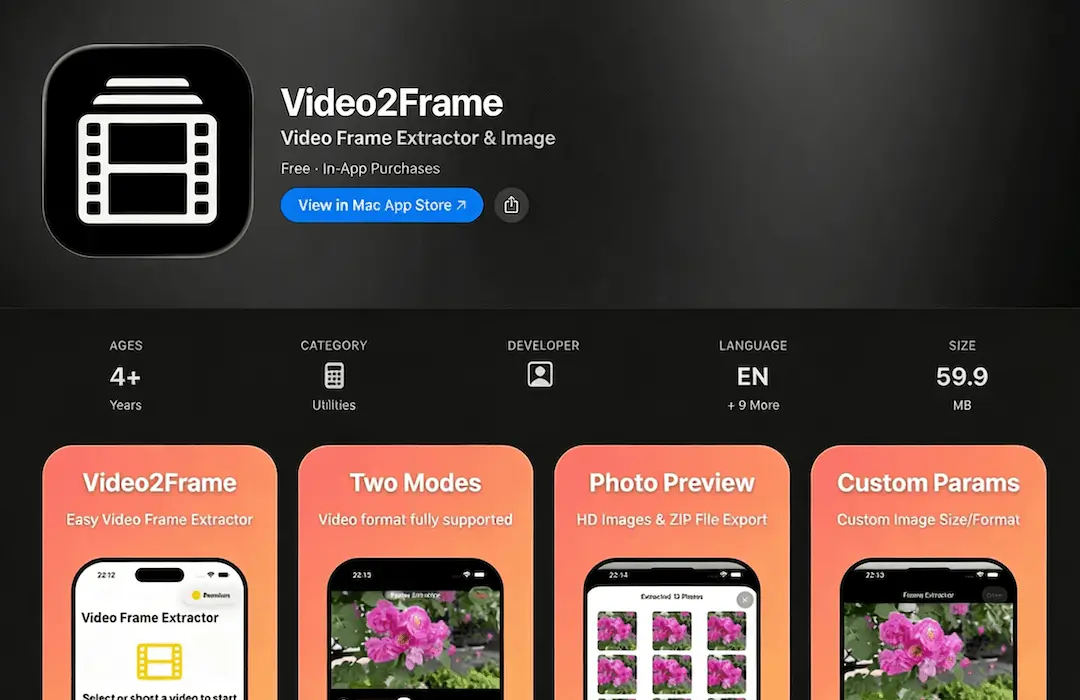
Key Features
Supports Most Video Formats
Select videos from album, system files, or capture directly from camera. Built-in powerful video parser can handle most video formats.
Normal Mode vs Compatibility Mode
Normal mode offers faster processing speed, while compatibility mode supports more video formats. Easily switch between these two modes to meet different usage requirements.
Time-based Screenshotting
Select video segments using left and right sliders, automatically extract frames at set intervals, and the process will be completed in moments.
Capture Video I-frames
When selecting the mode to capture only I-frames, all I-frame images of the selected video segment will be automatically captured.
High-definition Images
Supports setting image size and format, the results page displays thumbnail lists, click to view high-definition images.
ZIP Export
Export all extracted high-definition images as compressed ZIP files for easy sharing and storage.
Why Choose Video2Frame
A powerful and efficient video frame extraction tool that combines speed, compatibility, and ease of use.
Fast Processing
Normal mode offers fast processing speed for quick frame extraction.
Customizable Settings
Adjust time intervals, image size, format, and other parameters to meet your specific needs.
Cross-Platform Support
Works seamlessly across iOS, iPadOS, and macOS platforms.
Easy Export
Export high-definition images as ZIP files for convenient sharing and backup.
Ready to Extract Frames?
Download Video2Frame now and start extracting frames from your videos.

Scan to download